Account Elevation
An elevation requirement adds an extra security check for critical operations — for example, account linking/unlinking, enabling two-factor authentication, or managing users. When a user attempts such an operation, they are asked to confirm their password before it runs, even if they are already signed in.
How It Works
- Elevation is enforced with the RequiresElevation attribute.
- When a protected action is invoked and there is no valid elevation token, the user is sent to the elevation page to re-enter their password.
- On success, a short-lived token is stored in a cookie, and the user is returned to the original page.
- If the user doesn't have a password set yet, they're redirected to the set-password page instead.
Using It in StartSharp
StartSharp ships an AccountElevationPage that derives from AccountElevationPageBase, so the elevation page (~/Account/Elevate) is already available. You just opt-in the operations you want to protect. On a StartSharp project, the elevation handler is registered automatically in Startup.cs with:
services.AddElevationHandler();
If you created your project from an older template, the elevation feature may not be fully wired up. Check two things:
services.AddElevationHandler();is called inStartup.ConfigureServices, otherwise[RequiresElevation]will fail because theIElevationHandlerservice isn't registered.- An
AccountElevationPageclass (deriving fromAccountElevationPageBase) exists, so the elevation page at~/Account/Elevateis available. If it doesn't, add a controller in theModules/Membership/Accountfolder that derives fromAccountElevationPageBase— otherwise the redirect sent by[RequiresElevation]won't have a page to land on.
Protecting a Page
Add [RequiresElevation] to the page action:
public class UserPage : Controller
{
    [Route("Administration/User"), RequiresElevation]
    public ActionResult Index()
    {
        return this.GridPage(ESM.Modules.Administration.User.UserPage,
            UserRow.Fields.PageTitle());
    }
}
Protecting the Endpoint
To prevent direct calls to the service API without a token, add [RequiresElevation] to the endpoint class:
[RequiresElevation]
public class UserEndpoint : ServiceEndpoint
{
}
What the User Sees
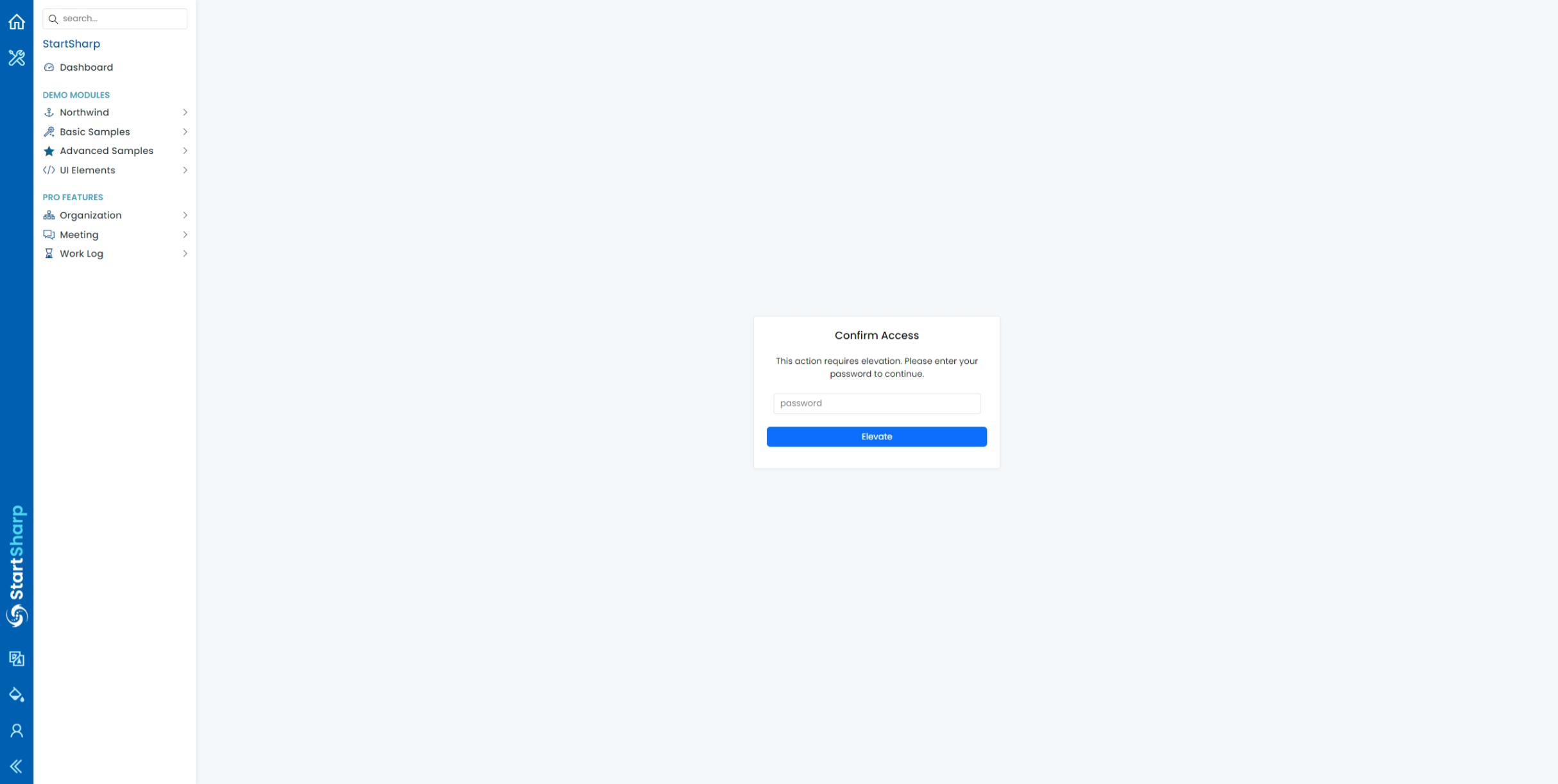
After navigating to a protected page, the user is redirected to a page asking them to confirm their password:
Once confirmed, they can access the protected page:
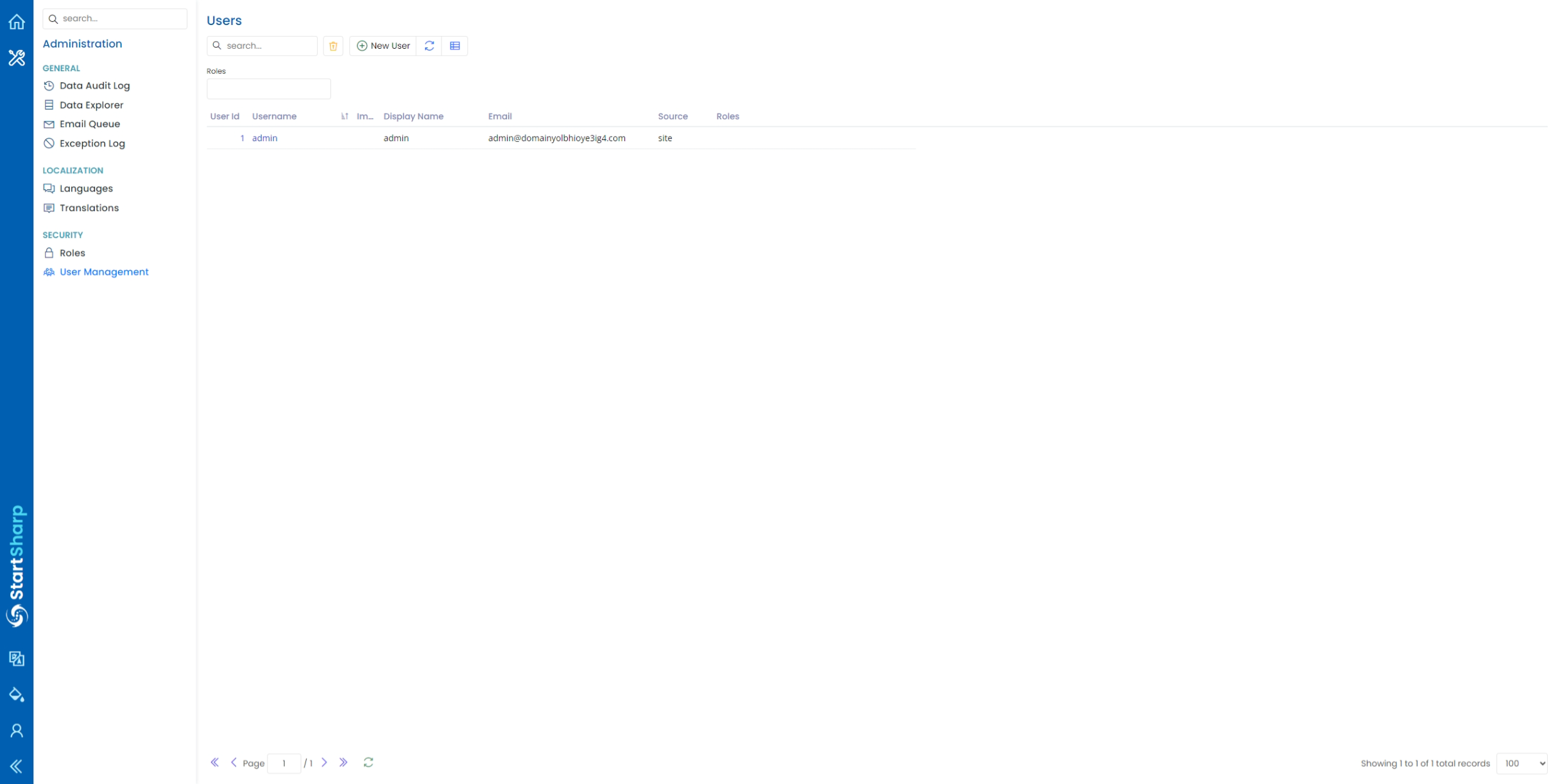
The elevation token is short-lived, so the user may be asked to confirm again after it expires.
This feature is implemented in the
Serenity.Pro.ExtensionsAccountElevation module. The base types (IElevationHandler, RequiresElevationAttribute, DefaultElevationHandler,AccountElevationPageBase) are described in Authorization.